Pick your camera
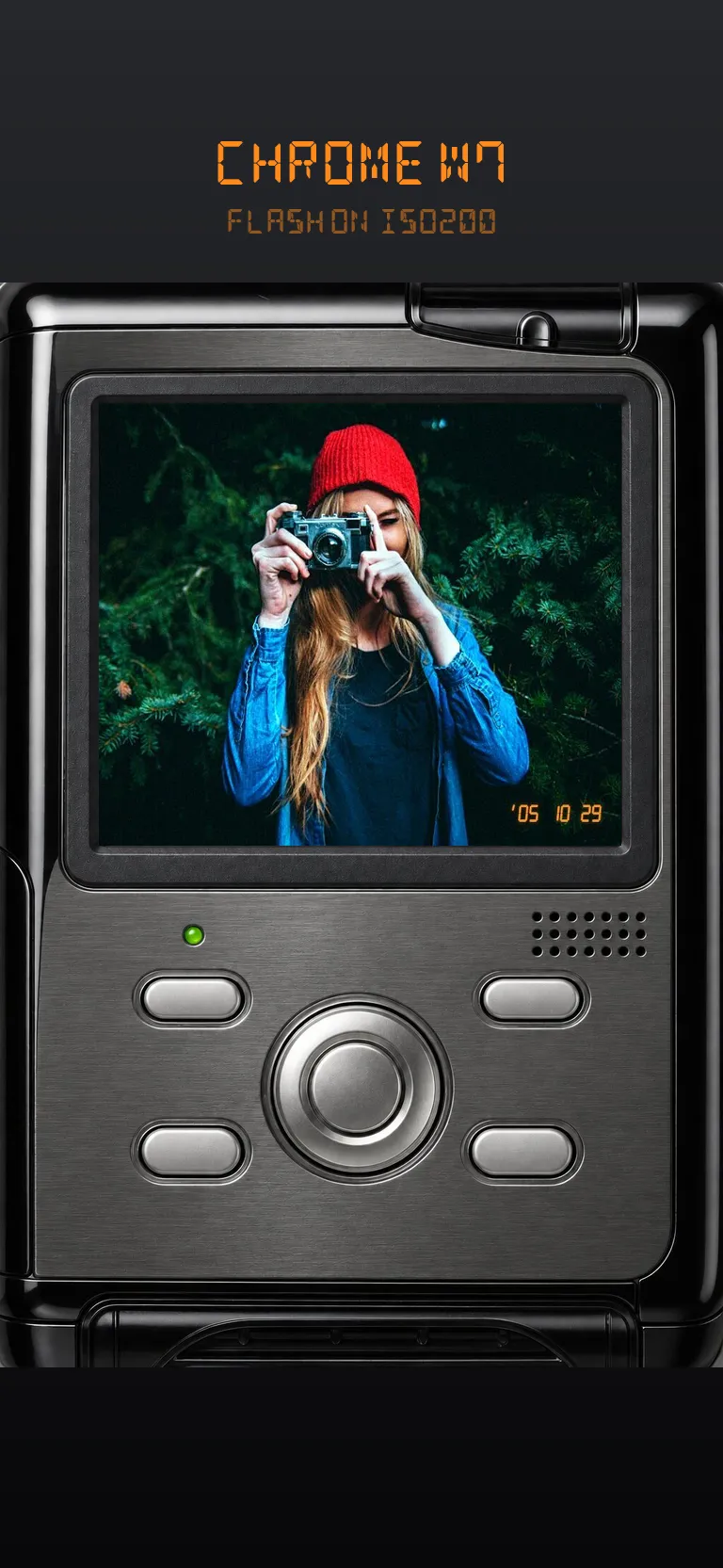
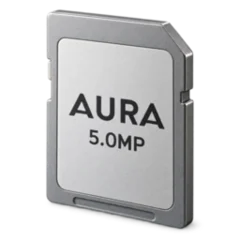
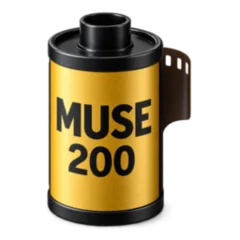
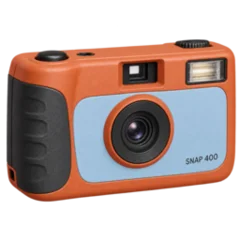
Slide through glossy digicams and film cameras in the camera bag — each with its own memory card or film canister.
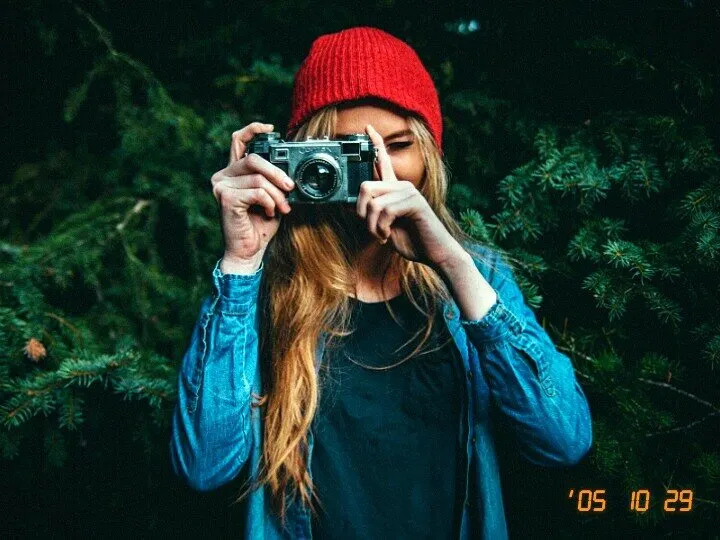
Shoot through study-based looks of early-2000s CCD point-and-shoots and popular film stocks — flash, soft highlights, grain and the orange date stamp. Then make it yours in Studio with 450+ glossy stickers, fonts and frames.

Free to shoot, film and edit · No account · Photos stay on your iPhone

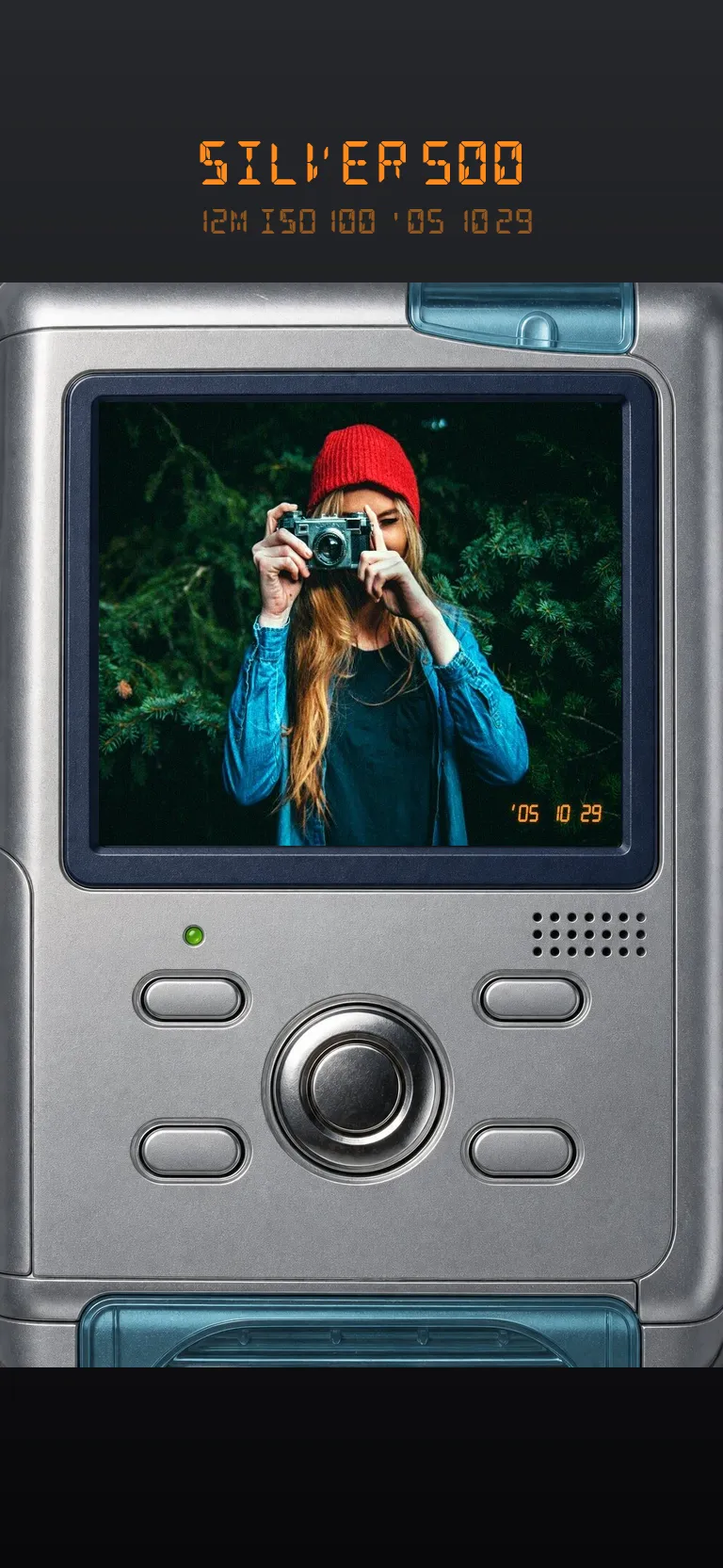
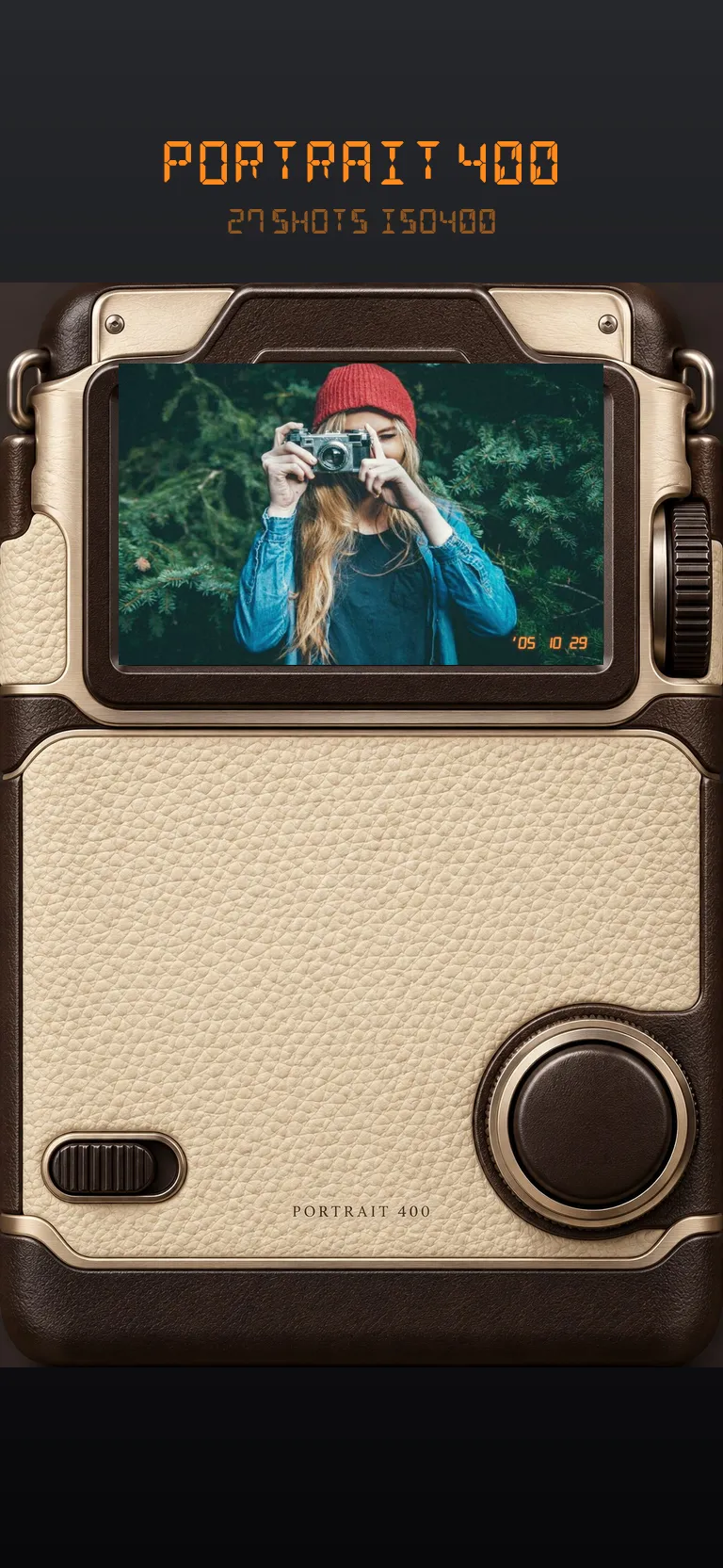
No settings to learn. Every camera brings its own colour, flash, softness and quirks — you just point and press.
Slide through glossy digicams and film cameras in the camera bag — each with its own memory card or film canister.
Flash on, date stamp on. Digicams show the shot on their LCD right away; film cameras count down the roll like the real thing. Video works too.
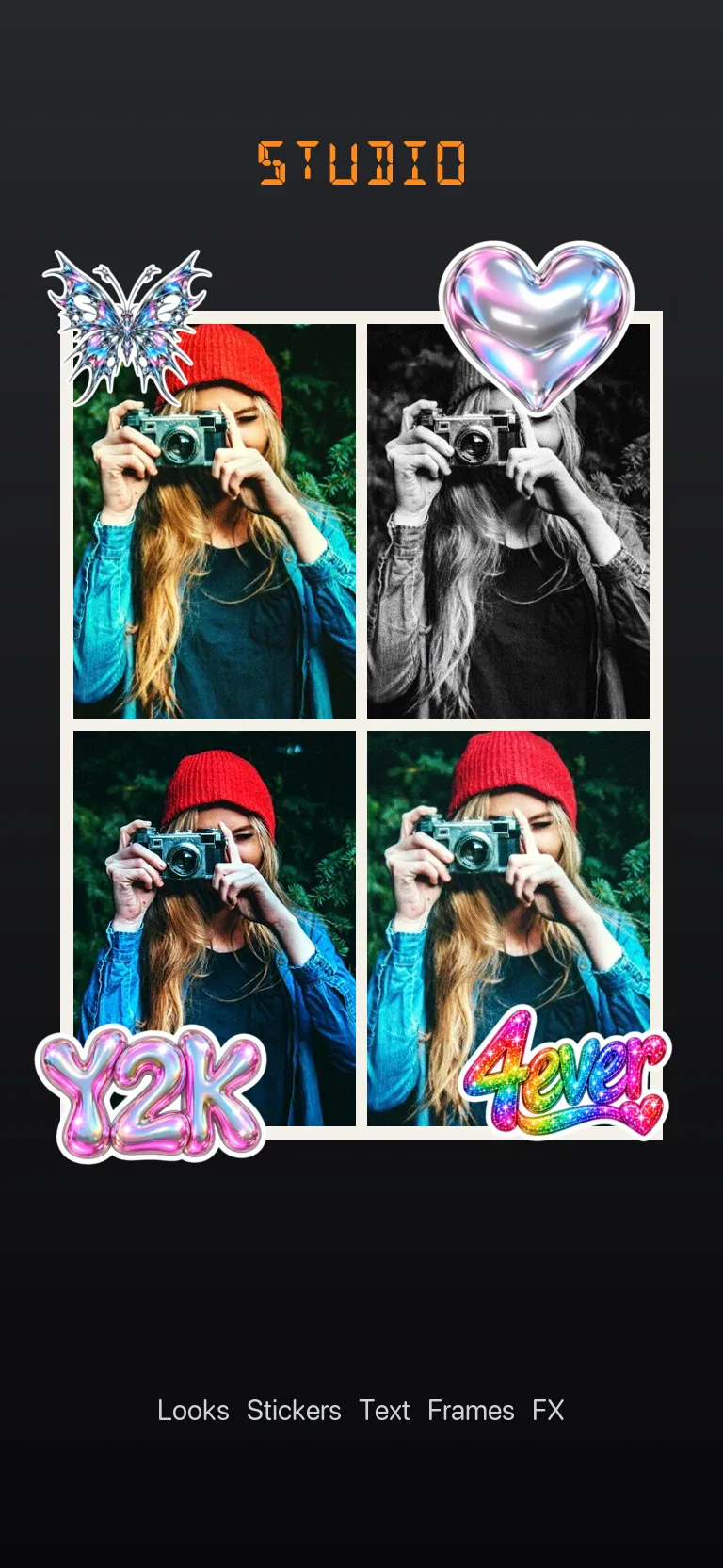
Add stickers, text, frames and effects, build a collage or a whole Instagram photo dump — then save and share in full quality.
Each look is built from studies of how early CCD sensors and consumer film render skin, sky, highlights and grain.
Cool CCD colour, bright compact flash, slight softness and that crunchy early-JPEG feel — the point-and-shoots everyone had in their pocket around 2005.
Warm consumer colour, soft portrait tones, disposable flash, tungsten night film and gritty black & white.
Chrome, bling, glitter, goth, witchy, tribal, cyber sigil, scene, pixel and camera UI — all drawn for Glosscam, plus 50+ fonts from script and bubble to gothic and pixel.
Import any photo from your camera roll or the in-app memory card and turn it into something you actually want to post.
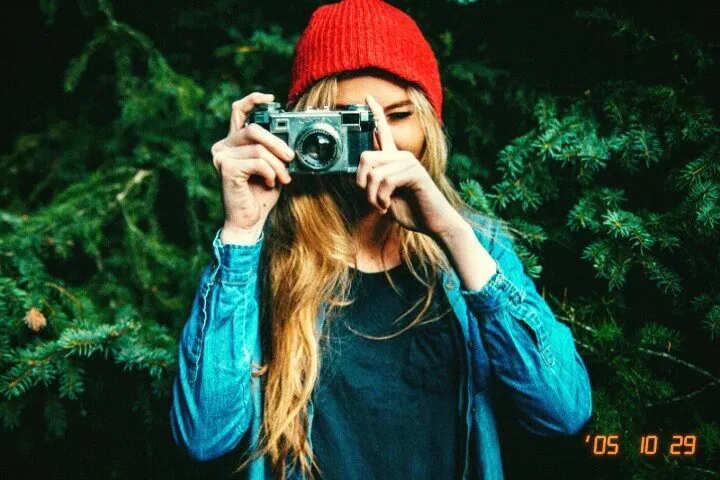
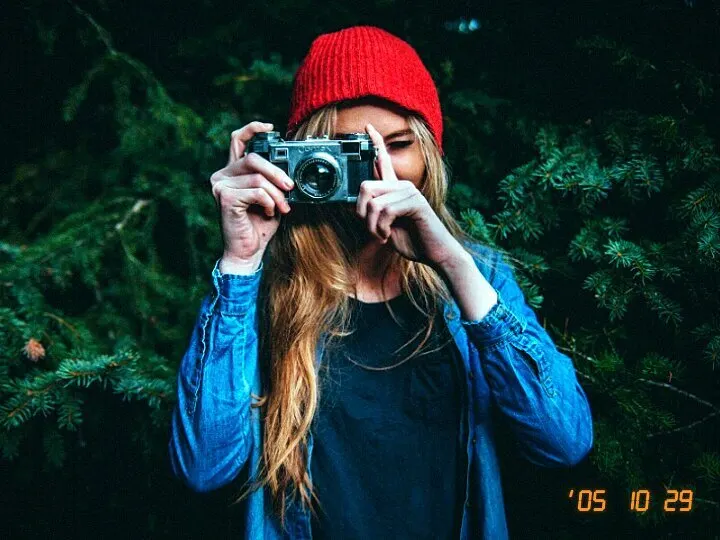
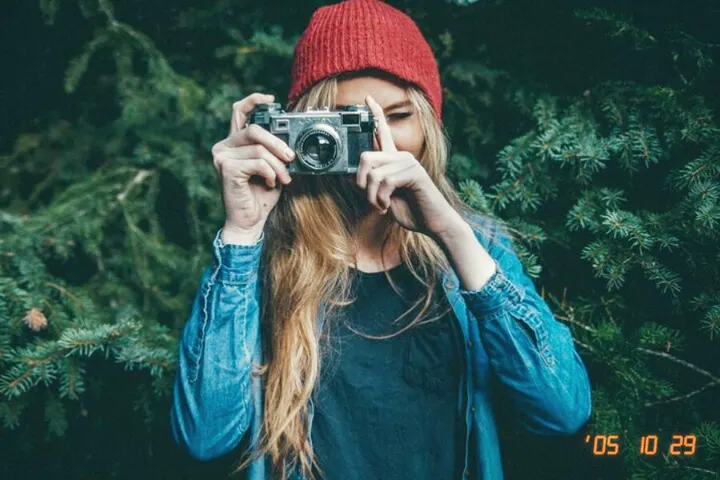
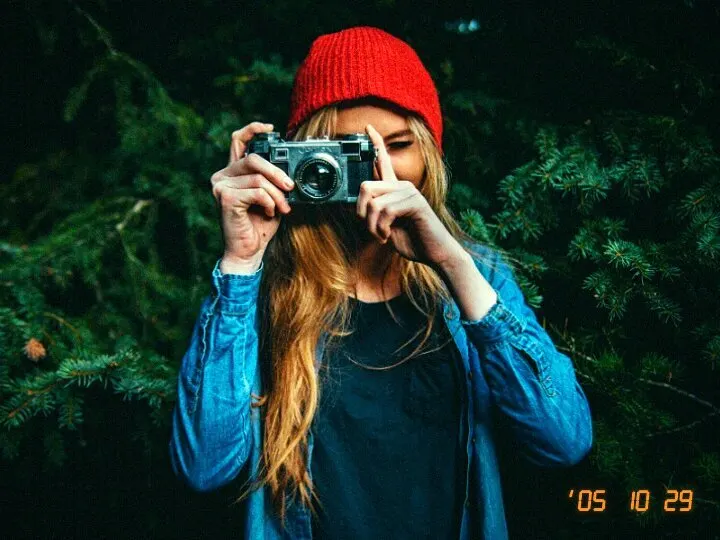
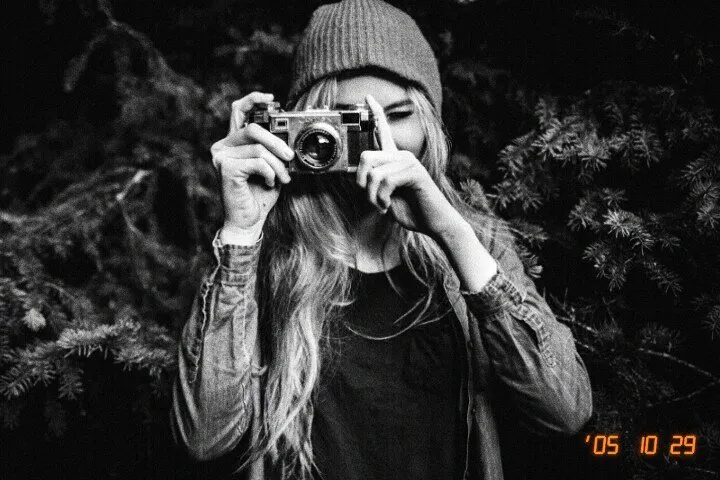
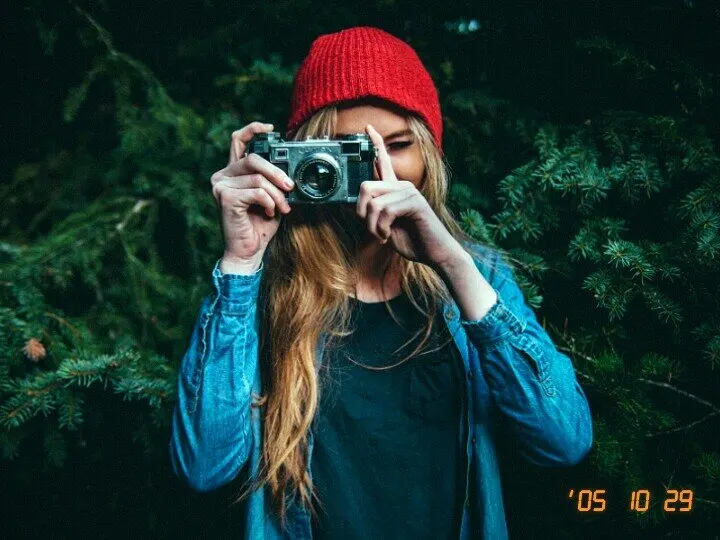
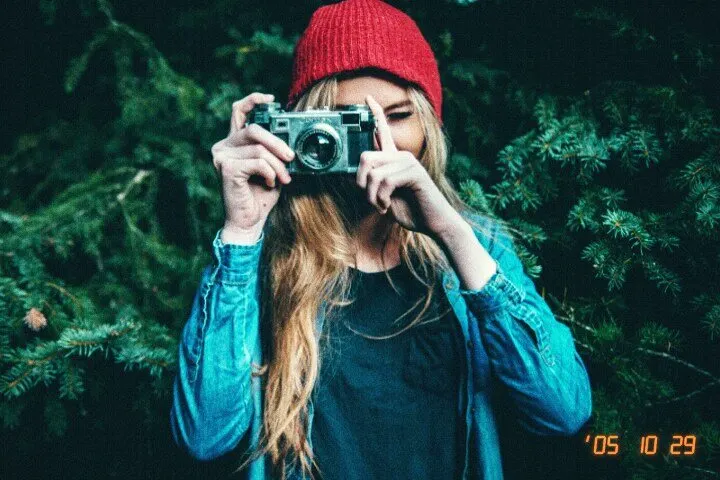
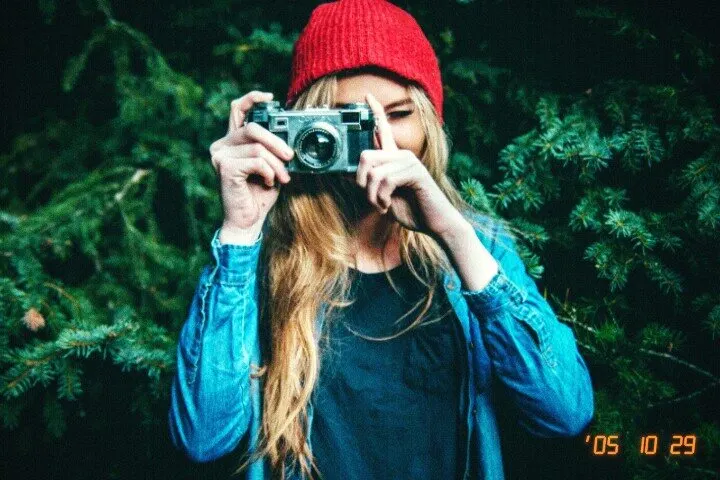
The same shot through different looks — every camera renders colour, contrast and grain its own way.
Every camera and every Studio tool is free to use. Glosscam Pro saves and shares your shots in full quality.
Everything you need to play.
Weekly or yearly subscription through Apple.
No account, no sign-in, no uploads. Usage analytics are off until you allow them, and you can turn crash reports off any time.
Glosscam is free to download. Shoot, film and edit as much as you like.
Shooting photos, filming video and editing in Studio are free. Saving and sharing in full quality needs Glosscam Pro, a weekly or yearly subscription through Apple. The price is shown in the app before you buy, and you can cancel anytime in your Apple account settings.
Early-2000s CCD point-and-shoots — SILVER 500, CHROME W7, SUNNY C3, SUPER F30, ZOOM L6, TIDE 720 and SLIM Z7 — and film stocks: MUSE 200, PORTRAIT 400, SNAP 400, MAX 400, VIVID 400, DAY 200, TUNGSTEN 800 and MONO 400. The names are our own; the looks are built from studies of how those kinds of cameras and films render colour, highlights and grain. New looks arrive with updates.
Each camera is its own processing recipe: sensor colour, flash falloff, softness, highlight roll-off, noise or film grain and JPEG character. Glosscam also captures without the iPhone's heavy computational processing, so the base image is closer to what an old compact would have seen.
Yes. Import any photo into Studio and add a look, crop (crop, stretch or fit), collage layouts and borders, stickers, text, frames and effects — or build a whole Instagram photo dump.
Yes — film short clips through digicam and camcorder looks, with sound.
No account, no sign-in. Photos and videos are processed on your iPhone and stay there until you save or share them yourself. Stickers and fonts are downloaded from our server when you open them. Details are in the privacy policy.
Restore with Settings › Restore Purchases in the app using the same Apple ID. Cancel in your Apple subscription settings — deleting the app does not cancel it. More help on the support page.
Glosscam for iPhone — Y2K digicam, film camera and photo studio in one.